A resident picks up a package after the leasing office closes. Another prints a return label from their phone. Someone else stops for coffee on the way to work. Each service is available without asking a team member to open a room, process a request, or complete the transaction.
Self-serve technology is giving apartment communities more ways to offer that kind of access. Here’s what counts as a self-serve amenity, which ideas fit a multifamily property, and what operators need to consider before adding one.
What is a self-serve amenity?
A self-serve amenity lets residents access a feature or complete a task without staff handling each request. Technology may manage entry, reservations, payments, notifications, or the service itself.
Resident starts it
They scan, tap, reserve, order, or enter an access code.
System handles it
The equipment or software completes the routine transaction.
Support backs it up
Someone still needs to handle faults, supplies, and resident questions.
Package lockers, smart building access, EV chargers, coffee stations, and community printers can all work this way. Self-serve describes how residents use the amenity; it does not mean the amenity runs without service or oversight.
Why offer self-serve access?
Residents’ schedules do not always line up with leasing office hours. A package may arrive late in the day; a work document may need printing in the evening. Self-serve access gives residents a way to handle those tasks when the service is available.
It also changes the work for onsite teams. Instead of releasing every print job or retrieving every package, staff can focus on exceptions and service issues. The benefit depends on the system: hours, uptime, instructions, and support all shape the resident experience.
One distinction: Self-serve does not always mean 24/7. A printer may be accessible around the clock in one building and limited by lobby hours in another.
Unique apartment amenities with a practical purpose
A cool apartment amenity earns its space when residents can picture using it. These examples combine a specific task with resident-led access:
Package lockers
Residents collect deliveries using a code or notification. Plan for carrier access, package volume, and overflow.
Smart access
Residents use an authorized credential to enter the building or amenity spaces. Plan for guests, accessibility, lost credentials, and backup entry.
EV charging
Drivers initiate a charging session at the property. Check electrical capacity, shared-space rules, pricing, and who supports the equipment.
Reservable workspaces
Residents book a meeting room or desk without asking staff to manage the calendar. Wi-Fi, outlets, and call privacy still determine how useful the space is.
Two self-serve services for everyday tasks
Self-serve coffee
A coffee station gives residents a drink on their way out, between meetings, or while spending time in a shared lounge. It can bring a hospitality touch to the property without requiring staff to prepare each order.
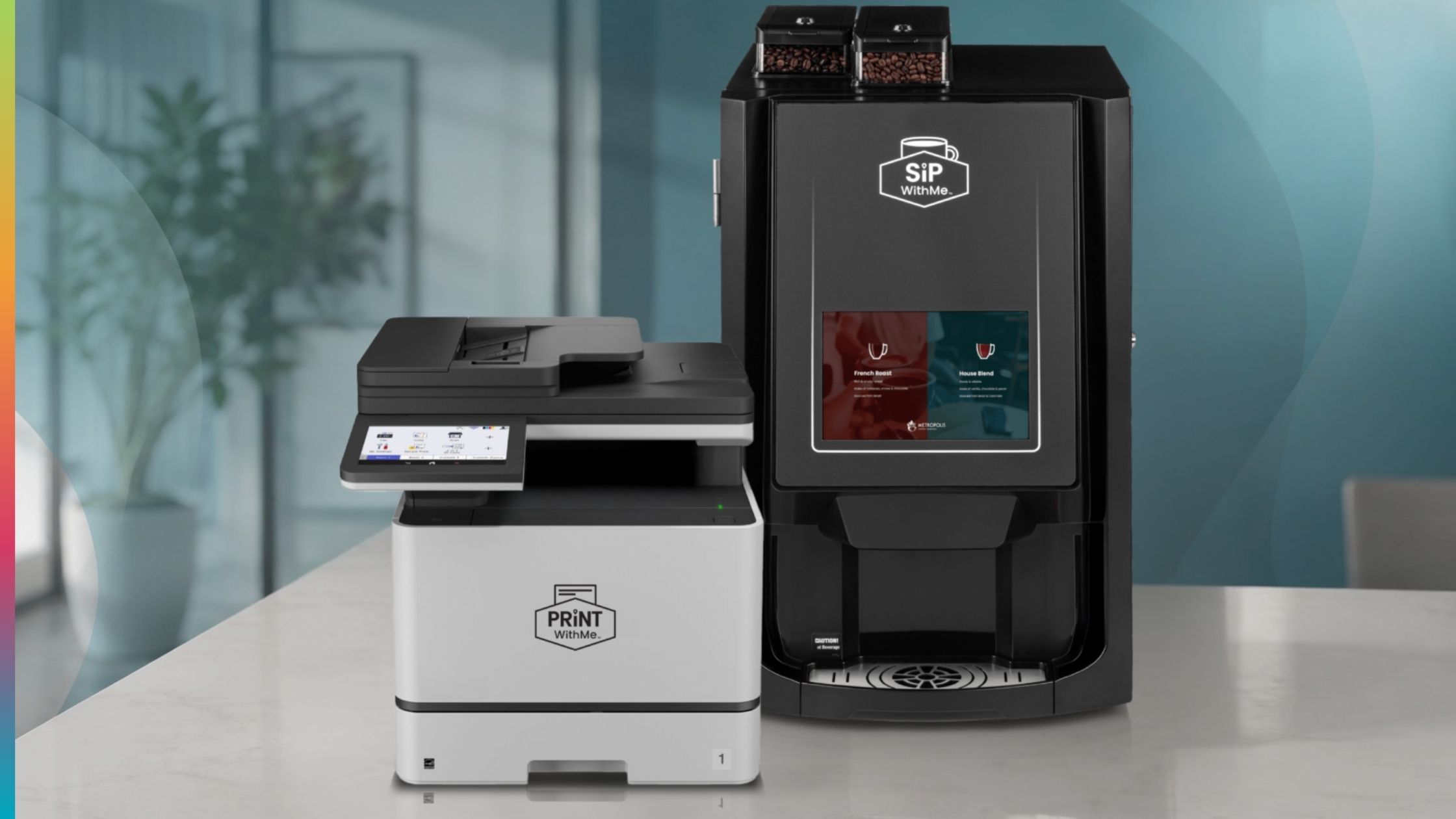
For operators, the details are beverage quality, supply replenishment, usage controls, cost per cup, and service response. SipWithMe is one example of a managed self-serve coffee program.
Secure community printing
Residents may need a return label, school assignment, work document, or signed form in print. A community printer gives them access without sending the file to the leasing team or keeping a printer in their apartment.
Document handling matters. With PrintWithMe, users submit a job and enter a unique code at the device to release their prints. Operators should also check supply management, support, and the resident payment model.
What changes for property teams?
Self-serve systems can take individual transactions off the leasing desk, but they still need an operating plan. Before installation, decide who owns each part of the service:
- Who monitors usage and equipment status?
- Who replenishes supplies or handles deliveries?
- Who responds when a resident cannot access the service?
- How are charges, allowances, and guest access managed?
- What happens when equipment is unavailable?
A managed solution may cover some of those responsibilities. Get the division of work in writing so the onsite team knows what remains on its plate.
How to choose a self-serve amenity
Start with a resident task, then evaluate the system that would handle it. Four questions make the comparison more useful:
Demand
How often do residents need this service?
Access
Can they reach and use it when the need comes up?
Total cost
What are the equipment, supplies, service, and staff costs?
Reliability
Who resolves a problem, and how quickly?
The strongest choice is one the property can keep available consistently. Coffee, printing, packages, access, and charging each solve a different problem; the resident need and service plan should determine which belongs in the building.